
Key Takeaways
Covers voip for small business in depth
Covers small business phone features in depth
Covers voip features in depth
Covers business voip features in depth
Need a business phone number? Get a MeraTalk number in minutes, no contract required.
Get started freeWhy VoIP Features Matter for Small Businesses
Small businesses have always faced a communication disadvantage against larger competitors. Enterprise companies could afford dedicated PBX systems with receptionists, call queues, and sophisticated call routing. Small businesses made do with basic mobile phones or simple landlines.
VoIP has changed this equation completely. A small business with five employees can now operate with the same communication features as a 500-person enterprise — for a fraction of the cost. The features are not watered-down versions either; they are the same technology, delivered through software and the cloud.
The challenge for small business owners is knowing which features to prioritize. This guide covers the six VoIP features that deliver the most measurable impact on small business operations.
Feature 1: Auto-Attendant
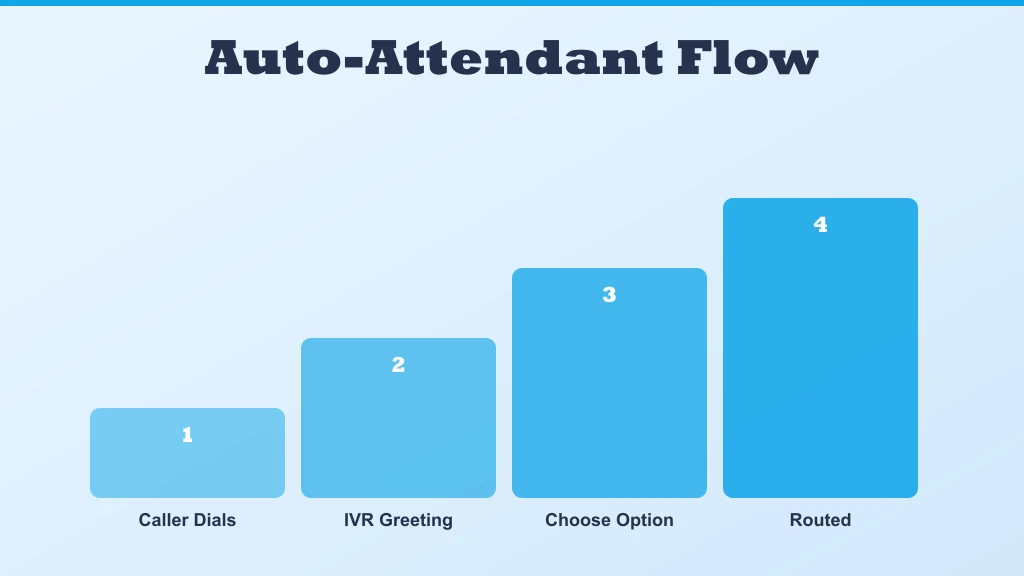
An auto-attendant is an automated system that answers incoming calls and presents callers with a menu of options. It is the professional voice greeting that says: 'Thank you for calling Acme Corp. Press 1 for Sales, press 2 for Support, press 3 for Billing.'
Why It Matters for Small Businesses
A well-configured auto-attendant makes a small business sound established and professional from the very first call. Customers who call a business and hear a clear, organised menu immediately feel more confident about the company they are dealing with.
Beyond first impressions, an auto-attendant routes calls to the right person without requiring a human receptionist. A two-person business can handle sales, support, and billing inquiries through a single phone number — the auto-attendant does the sorting.
- Handles calls outside business hours with a custom after-hours message.
- Routes urgent support calls to mobile devices even when the office is closed.
- Reduces missed calls by directing callers to voicemail when lines are busy.
- Eliminates the cost of a dedicated receptionist for basic call routing.
Feature 2: Call Recording
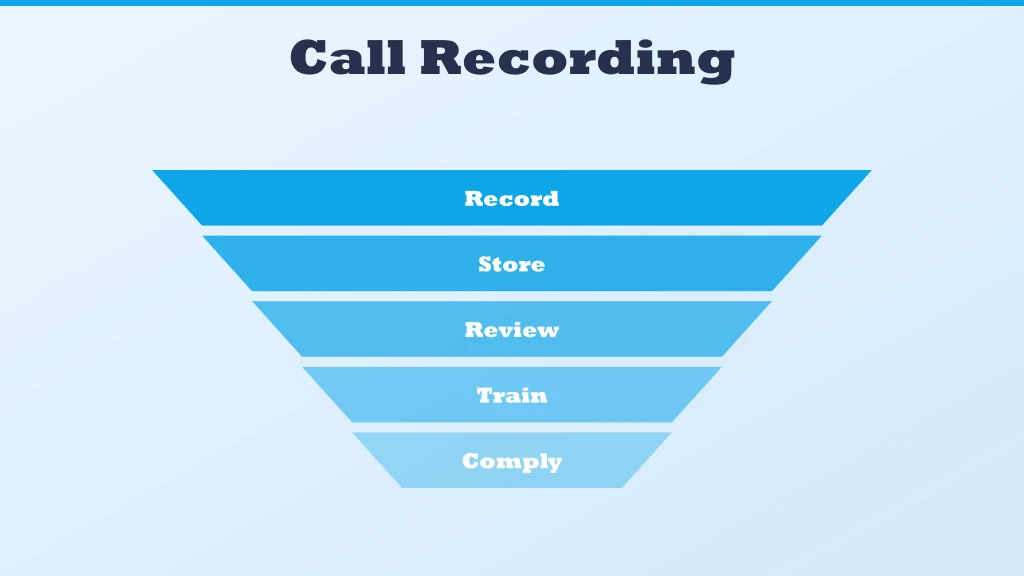
Call recording captures audio of incoming and outgoing calls and stores them for later review. Modern VoIP systems record calls automatically based on rules you set — all calls, calls to specific numbers, or calls by specific team members.
Why It Matters for Small Businesses
Call recording is a powerful training and quality assurance tool. When a new employee joins your team, recorded calls let them hear how experienced colleagues handle customer objections, explain pricing, or resolve complaints. There is no better training resource than real calls.
For sales teams, recorded calls provide the raw material for coaching conversations. Managers can listen to calls together with their team and identify exactly where opportunities are being lost.
- Resolve disputes by reviewing exactly what was said during a call.
- Train new staff using real customer interactions instead of role-plays.
- Maintain compliance records for industries with regulatory requirements.
- Identify common customer objections and refine sales messaging.
Get virtual phone numbers for your business — set up in minutes.
Feature 3: Voicemail-to-Email
Voicemail-to-email converts voice messages into audio files (or text transcriptions) and delivers them directly to your email inbox. Instead of dialling in to check voicemail, you receive an email with the recording attached.
Why It Matters for Small Businesses
Small business owners rarely sit at their desks waiting for voicemails. They are in meetings, at client sites, or on the go. Voicemail-to-email ensures that no message gets missed — urgent voicemails are treated with the same priority as emails rather than sitting unchecked for hours.
When transcription is included, you can read the content of a voicemail in seconds without pressing play — useful in meetings or noisy environments where listening to audio is not practical.
Best Practices for Setup
- Route voicemails to a shared team inbox so multiple people can see and act on them.
- Use transcription to make voicemail messages searchable — useful for reviewing customer inquiries weeks later.
- Set up notifications so urgent voicemails trigger an immediate alert.
Feature 4: CRM Integration
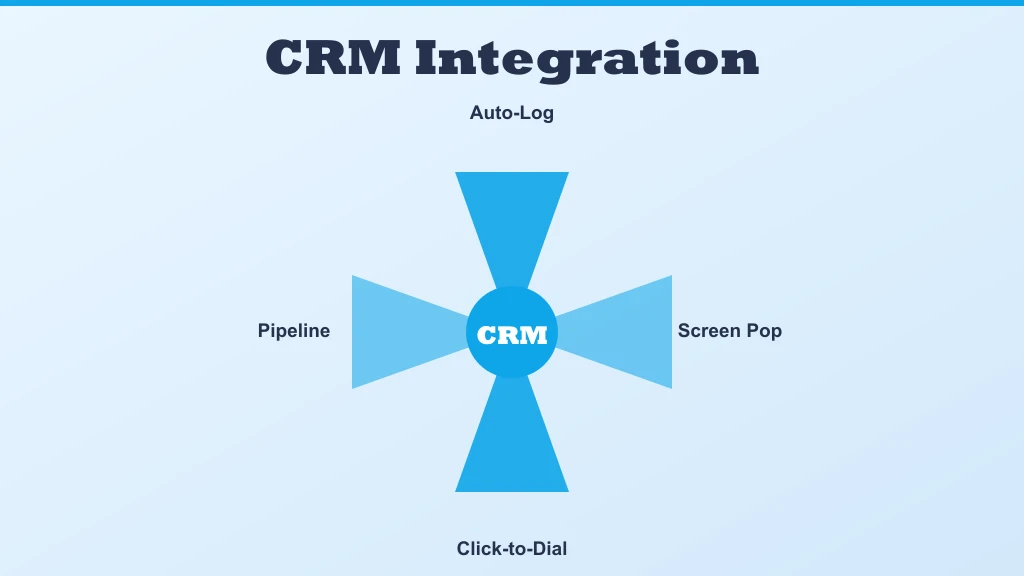
CRM integration connects your VoIP system to customer relationship management software such as HubSpot, Zoho CRM, Salesforce, or Pipedrive. When a customer calls, their contact record, purchase history, and previous notes appear automatically on screen.
Why It Matters for Small Businesses
CRM integration eliminates the awkward gap between a call arriving and finding the customer's details. Agents greet callers by name, reference their previous orders, and address their issue without asking them to repeat information they have already provided before.
After a call, the interaction is logged automatically in the CRM — no manual data entry, no missed follow-up notes. For small businesses where every customer relationship counts, a CRM system delivers this level of organisation, creating a genuine competitive advantage.
- Automatic call logging: every call is recorded in the customer's CRM timeline.
- Click-to-call: dial any CRM contact directly from their record without typing the number.
- Screen pop: customer details appear instantly when an inbound call arrives.
- Post-call notes: add call summaries directly from the phone interface.
Feature 5: Call Queuing and Hold Music
Call queuing places callers in a virtual waiting line when all agents are busy. Instead of receiving a busy signal and calling back, callers hear hold music or a message telling them their estimated wait time.
Why It Matters for Small Businesses
Missing calls because lines are busy is one of the most common ways small businesses lose customers. A customer who hears a busy signal often calls a competitor instead. A call queue retains that customer in the system until someone becomes available.
Professional hold music with periodic messages — 'You are second in the queue. Your expected wait time is two minutes.' — communicates that the business is organised and values the customer's time, even if they are waiting.
Feature 6: SMS and MMS from Your Business Number
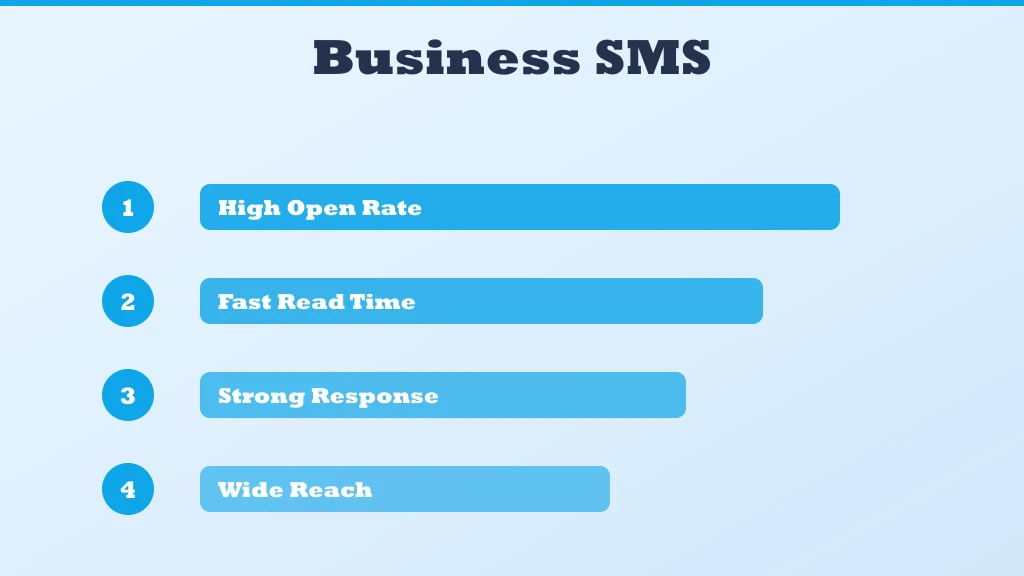
Most modern VoIP platforms allow you to send and receive text messages (SMS) and multimedia messages (MMS) using your business phone number. Customers can text your main business number and receive replies from the same number they call.
Why It Matters for Small Businesses
Text messaging has become a preferred communication channel for many customers — especially for appointment confirmations, order updates, and quick questions. Offering SMS on your business number removes friction: customers do not need to find a separate mobile number or use a different app.
Business SMS also keeps work and personal messages separate. Employees respond to customer texts from the company number through the VoIP app, without giving out their personal mobile number.
Practical Uses for Business SMS
- Appointment reminders to reduce no-show rates.
- Order confirmation and shipping updates for e-commerce businesses.
- Quick customer service replies for simple inquiries.
- Follow-up messages after sales calls.
Common Pitfalls When Rolling Out These Features
The features themselves are mature technology; most rollout problems come from configuration choices, not the software. A few mistakes appear again and again when small teams switch on their new phone system.
- Overbuilt phone menus: an auto-attendant with seven options and nested submenus frustrates callers. Two or three clear choices outperform an elaborate tree.
- Recording without disclosure: call recording rules vary by state, and some require notifying both parties. Enable the built-in announcement rather than guessing.
- Voicemail routed to one inbox: if messages land only in the owner's email, they stall whenever that person is busy. Shared inboxes keep responses moving.
- Skipping the CRM mapping step: integrations only shine when contact records are clean. Deduplicate the CRM before connecting it to the phone system.
- No failover plan: internet outages happen. Configure mobile forwarding on day one, not after the first missed morning of calls.
Each of these takes minutes to fix during setup and hours of cleanup to fix after customers have already hit the rough edges. For more, see CRM system.
How to Prioritize Features for Your Team
Switching on all six features at once sounds efficient, but a staged rollout produces better adoption. The right order depends on where the business feels pain first. A company missing calls should start with the auto-attendant and call queuing, since those two directly rescue revenue that is currently ringing out. A business drowning in follow-up chaos gets more from CRM integration and voicemail-to-email, which organize the aftermath of every conversation.
A practical approach is to pick one feature per week: configure it, brief the team, and watch how customers respond before adding the next. This keeps training light and makes it obvious which change produced which improvement. Call recording and business SMS work well as later additions — recording becomes more valuable once call volume is flowing through proper routing, and texting is easiest to manage after the team has settled into the new system's shared inbox habits.
Conclusion
These six VoIP features — auto-attendant, call recording, voicemail-to-email, CRM integration, call queuing, and business SMS — collectively deliver a professional communication infrastructure that was once available only to large enterprises.
For small businesses, adopting these features is not about appearing bigger than you are — it is about operating more efficiently, missing fewer opportunities, and building stronger relationships with every customer who contacts you. VoIP makes all of this accessible at a price point that makes sense for businesses of any size.
Ready to get started with voip features small business?
Join thousands of businesses using MeraTalk for Wholesale Voice, VoIP, and phone number services.
Contact MeraTalk Today